Gravensmoor
Support
English · Português · Español · Deutsch · Français · Italiano · 日本語 · 한국어 · 简体中文 · 繁體中文
Need a hand or have feedback? Email mapledrift.support@gmail.com. We usually reply within a few days.
Controls
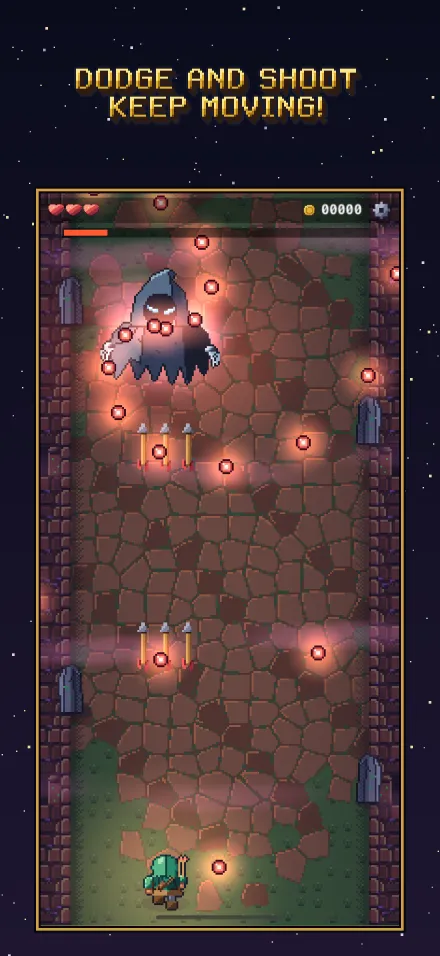
Pick a control mode in the game menu’s Options (the button at the right end of the top bar):
- Casual: drag anywhere and Wren follows your finger, shooting while you touch. Tap a dropped weapon to change it.
- Gamer: steer with a stick anywhere on the screen and hold the FIRE button with your other thumb. The FIRE button can sit on the left for left-handed players.
- Game controllers (Xbox, PlayStation, MFi) work too: the stick or D-pad moves, A fires, X drinks a potion, Y throws a bomb, and B leaves a menu.
- A keyboard works too: the arrow keys or WASD move, Space fires, Q drinks a potion, E throws a bomb, Tab opens the game menu and Esc leaves a menu.
On an iPhone the game starts in Casual; on an iPad or a Mac, in Gamer (on a Mac it’s played with the keyboard). You can switch at any time.
Difficulty (Gentle, Normal or Hard) can be changed in Options at any time, and takes effect at once.
Saving and continuing
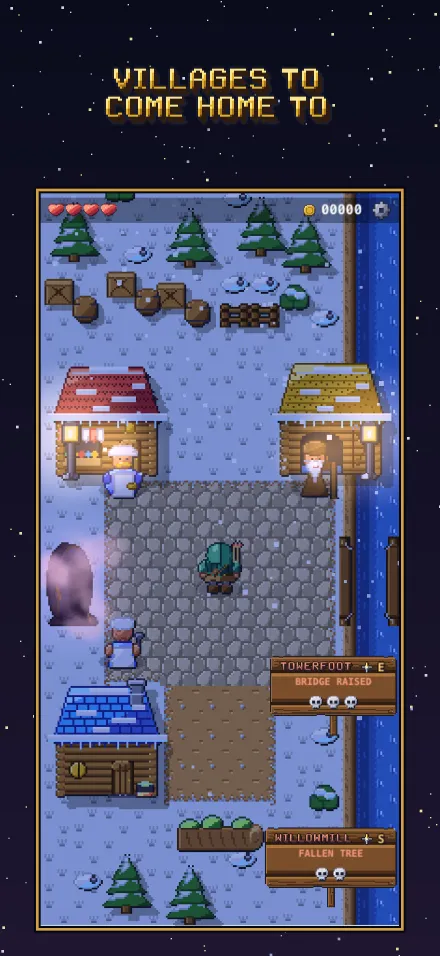
The game saves every time Wren reaches a village, and after anything you do there. Choose Continue on the title screen to carry on from the last village you reached. Progress on a road isn’t saved halfway, so a road always starts from its beginning.
Your journey, medals and settings follow you to your other iPhones, iPads and Macs through your own iCloud, as long as you’re signed in to iCloud and iCloud saves is on in Options (it is unless you turn it off). Your controls (Casual or Gamer) stay as each device has them. If you played on two devices without them catching up in between, the title shows Two journeys with both side by side, and you choose which to keep; the other is let go. With iCloud saves off, everything stays on this device, and it’s still in your device’s own backups. Deleting the game deletes what’s on the device.
When Wren falls
When his hearts run out, you have ten seconds to continue. Tap to go back to the village the road set out from, with full hearts, to try again or take another road. You lose the coins found on that road since it began. If he falls fighting a guardian, you keep them, and continuing tries the fight again. Shops sell bottles and amulets, kitchens fill bottles with potions and cook meals for the road, and forges sell weapons, armor and shields: they all help on hard roads.
Stuck?
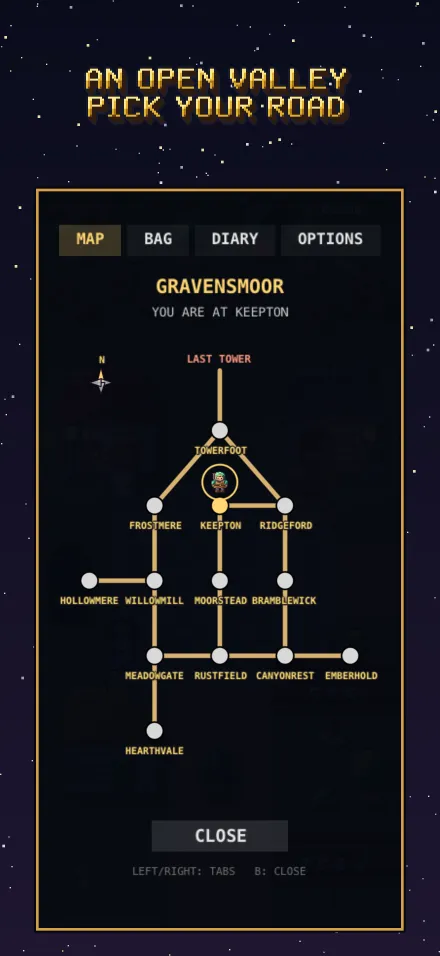
Talk to the villagers: they tell you where blocked paths lead and what opens them, and everything they say is written in the Diary in the game menu. The Map shows the roads you’ve found.
Purchases
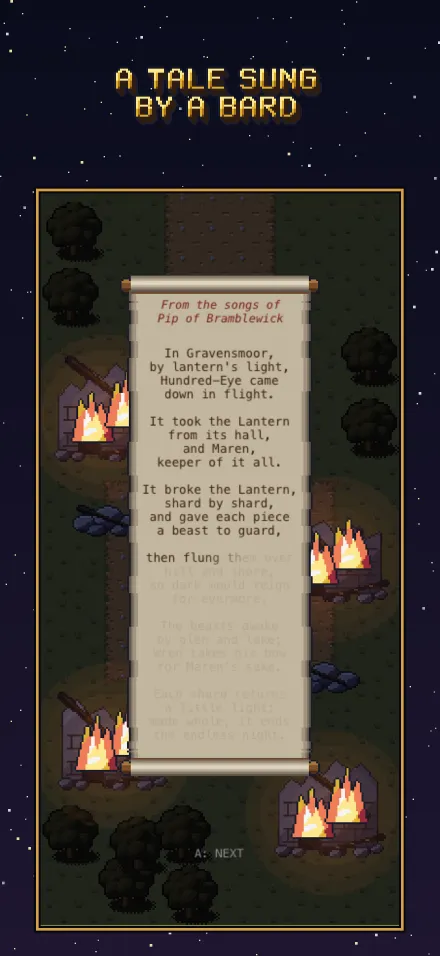
The game is free to start: the tale is free up to the Mist Wraith. Its one purchase, Pip’s Patron, continues the song: the rest of the tale to the Last Tower, the keepers’ gifts at once and no ad, Pip’s songbook and the dream. If you bought it and it’s missing, open Options, choose Pip’s Patron, and tap Restore purchases, using the same Apple Account you bought it with. Family Sharing is supported.
Ads
Ads only play when you choose to watch one, for a keeper’s gift in a shop, kitchen or forge. If none is offered, no ad is ready yet: check your connection and try again soon. Patrons get the gifts with no ad at all. In regions that ask for ad consent, you can change your choice in Options → Ad privacy. See the privacy policy for details.
Game Center
Achievements and the guardian rush leaderboards use Game Center. If they don’t appear, check that you’re signed in to Game Center in your device’s Settings (System Settings on a Mac), then reopen the game.
Language
Gravensmoor follows your device’s language when it has it: English, Brazilian Portuguese, Spanish, German, French, Italian, Japanese, Korean, and Simplified and Traditional Chinese. You can pick another in Options; the game restarts in it and your journey carries on from the last village.
Contact
mapledrift.support@gmail.com